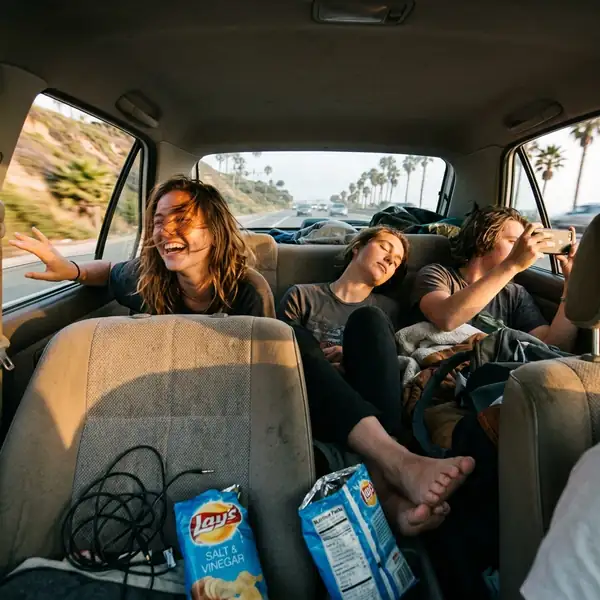
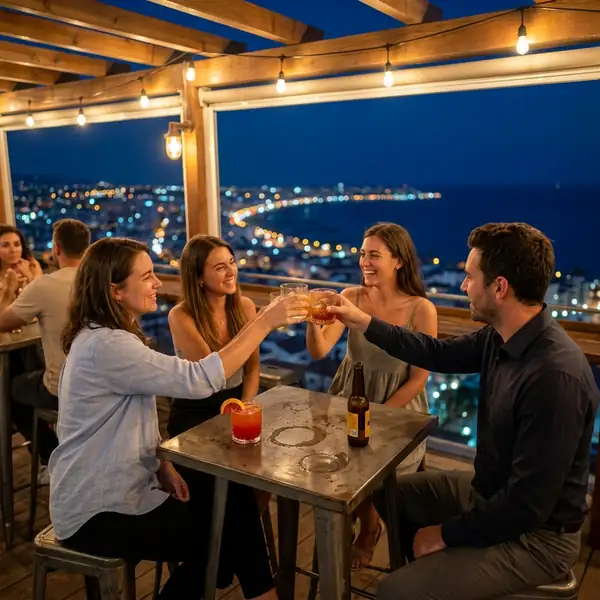
Group & party photo sharing Everyone's cameras. One place. All your photos.

Everyone drops their photos in. Everyone pulls out the ones they're in. No more "can you send me that one."

Start a free demo eventFree · no card required.
TripsBirthdaysReunionsHouse partiesFestivalsBachelor & bacheloretteTeam outingsFamily get-togethers
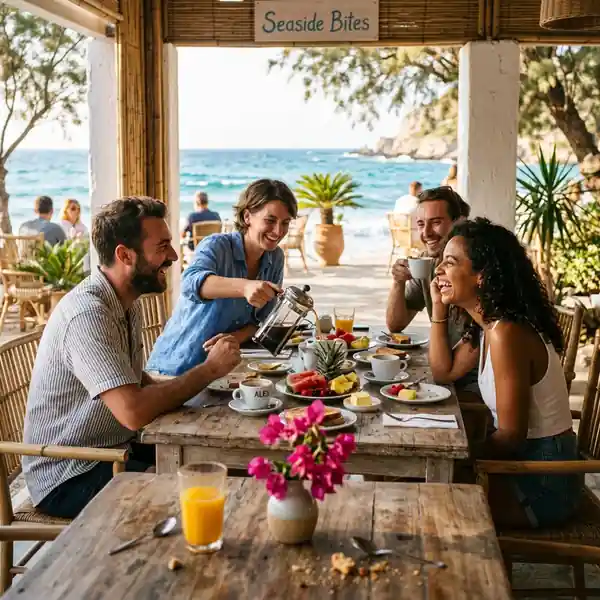
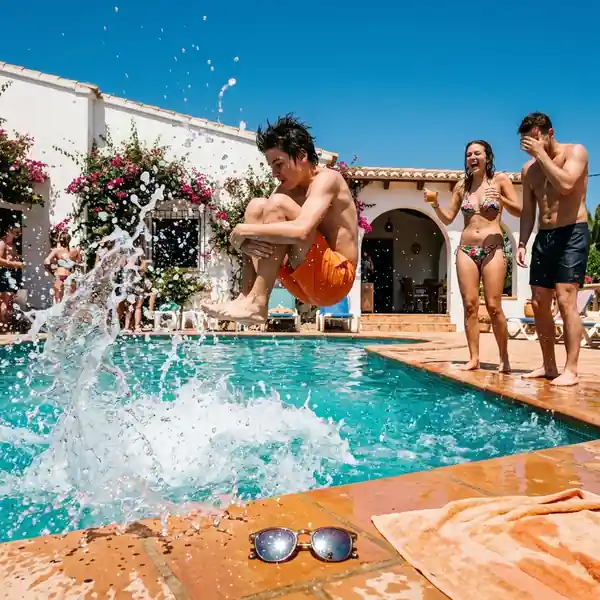
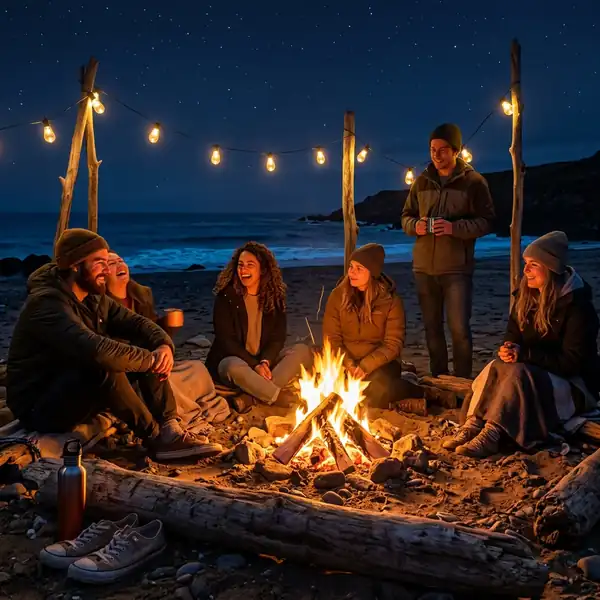
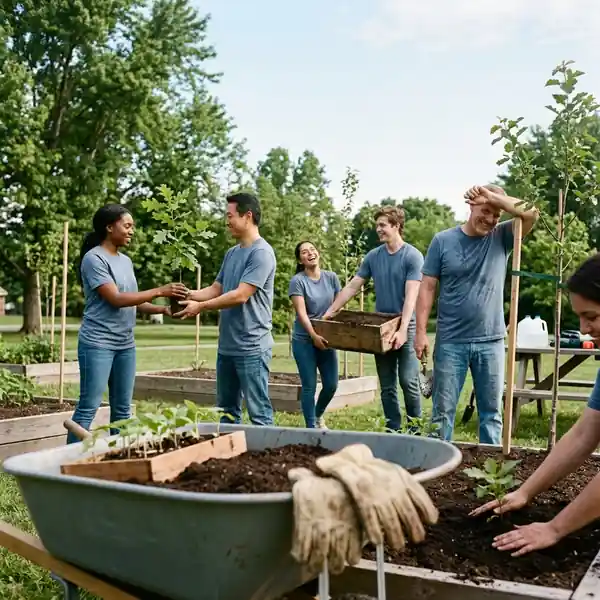
Friends at a party — everyone shooting the same night from a different phone
57 photos found
one selfie · across every camera
Goa Trip 2026Public event

300 photos in the chat. You're in 30. Nobody's sorting them.

A trip, a house party, a birthday, a reunion — everyone shot the same day from a different phone. The best photo of you is on someone else's camera roll.

Make one public event, everyone adds their shots, and everyone finds themselves by face — no more "send me that one."

How a group event works on FotoNest

From the group chat to "all my photos."

01

Start a public event

One link, one QR — that's the whole setup.

02

Drop it in the group chat

No app to download, just a quick sign-in.

03

Everyone adds their photos

Every camera roll, into one shared pool.

04

Everyone finds themselves

One selfie → your shots from every camera.

For the whole group

The more everyone adds, the more everyone gets.

Every camera roll flows into one shared pool. Your selfie reaches into all of them at once — so you get the shot your friend took that you'd never have seen otherwise.

No host sorting albums. No "send me that one." Everyone's the photographer; everyone gets their photos.
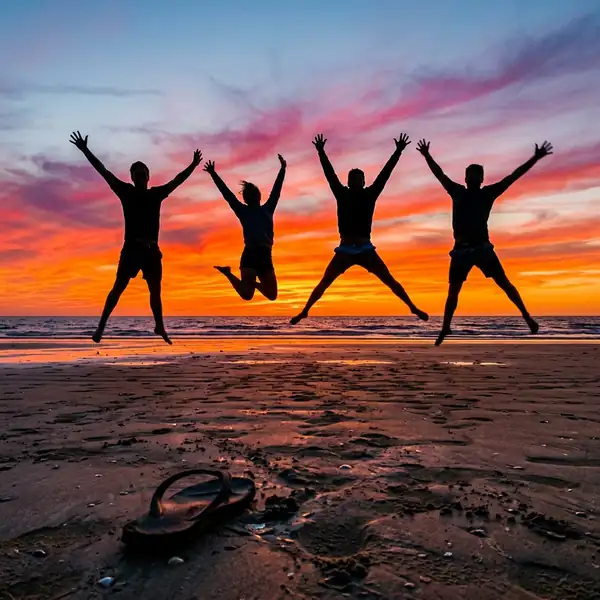
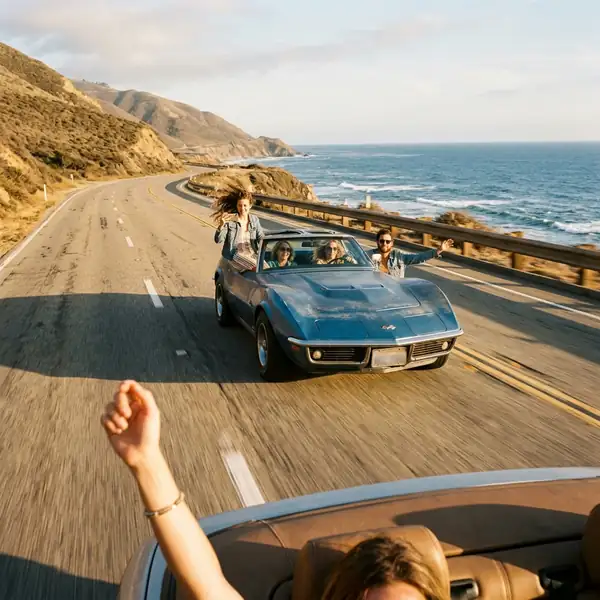
Everyone uploadsOne selfie finds you
+12 adding
28 of your photos
Your selfie reaches across every camera at once.
FAQ

Group photo sharing, answered

Make one public event and share the link or QR in your group chat. Everyone adds their camera roll into one shared pool, and each person finds the photos they're in with a single selfie.
Everyone adds their own photos — from the camera, the phone gallery, or a public Google Drive link. Your selfie then searches across every camera at once, so you get shots other people took of you.
No. The whole flow runs in any browser with a quick sign-in. A mobile app is optional, mainly for hosts and frequent organizers.
Trips, birthdays, reunions, house parties, festivals, bachelor and bachelorette weekends, team outings and family get-togethers — anywhere several phones shot the same day.
A group event is usually Public so everyone can browse and add. Private (PIN to upload) and Selfie-only modes are available if you want tighter access.